 Faber
GitHub
iOS Simulator
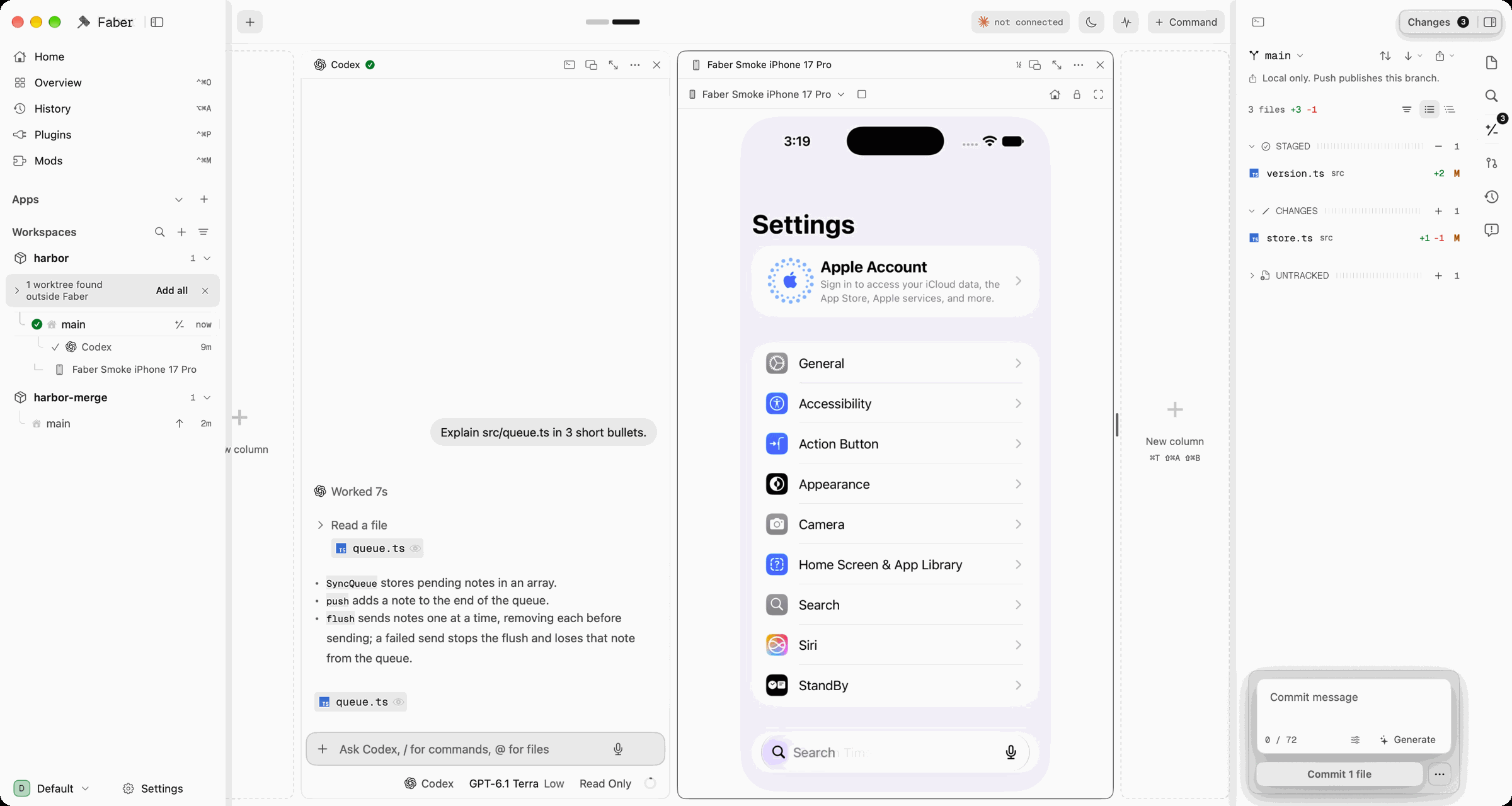
A Simulator tab (New Simulator Tab in the + or File menu, or faber simulator open) shows an iPhone or iPad simulator from your Xcode in a column, with mouse, trackpad scroll and keyboard input.
Needs
Xcode with at least one iOS runtime. No extra macOS permission is asked. Without Xcode the menu entry is disabled and says so.
Use
- The toolbar picks the device, boots or shuts it down, presses Home and Lock, and copies a screenshot or sends it to an agent.
- Drag is a finger, the trackpad scrolls, and typing goes to the focused field (US ASCII only).
- Closing the tab ends the display helper, not the simulator. A booted device keeps running until you press Shut Down.
- The picture runs at 30 frames a second while focused and 8 while only visible, and stops when hidden.
Degraded mode
The display helper uses Apple’s private CoreSimulator frameworks, which Apple may change in any Xcode release. If it cannot run, the tab becomes a screenshot view about once a second, without touch, and offers Retry. A crash in the helper never takes Faber down.
For agents
faber simulator list|boot|shutdown|open|screenshot|tap|swipe|type|button|openurl|launch work with or without a tab. Driving the device needs the Drive Simulator permission, which asks by default.